See what your agent is running
Click the provider mark above a terminal to see the details behind that chat.
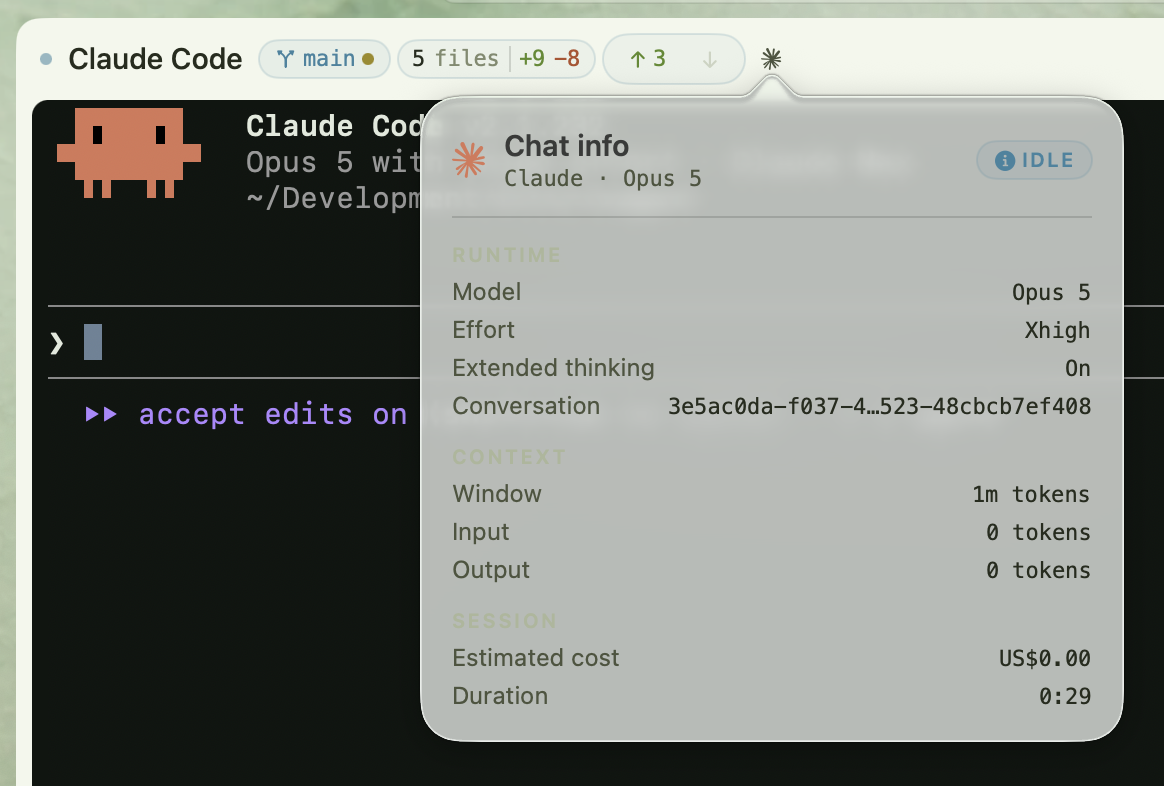
The new chat info panel shows the model, effort, extended thinking setting, conversation ID, context window, token usage, estimated cost, and session duration. The status badge stays visible too, so the runtime details don't hide whether the chat needs you.
Claude Code supplies live details through Saggar's optional status integration. Other supported agents show the information their CLIs make available, and Saggar leaves unavailable fields out rather than guessing.