Managing parallel agents
Once several agents are working at once, the job changes. You are not watching one terminal finish. You are keeping independent work moving, noticing the moments that need judgment, and leaving everything else alone.
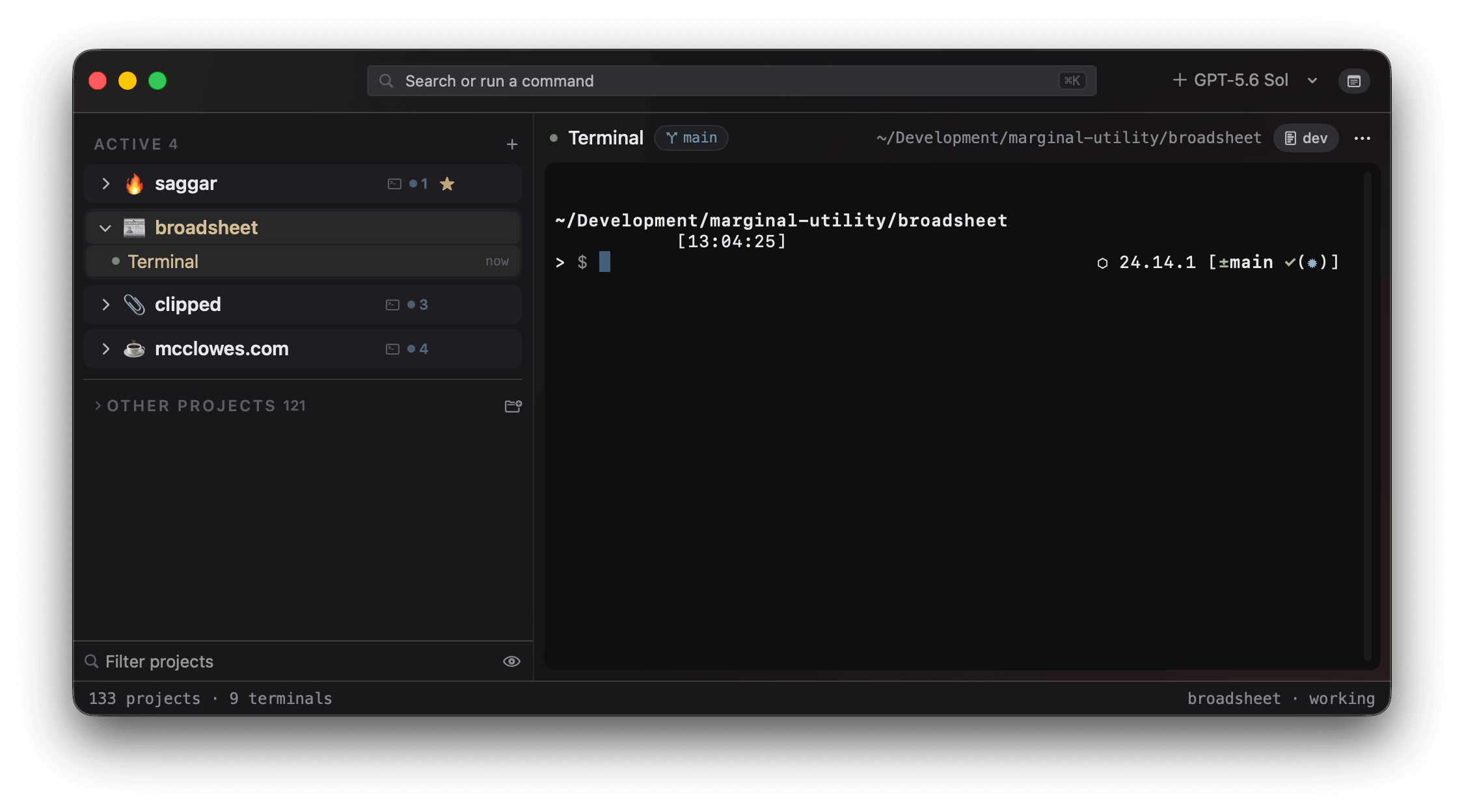
Give each task a place
Keep one session per piece of work and name it for the outcome: auth flow, flaky test, release notes. If two agents may change the same repository, start one in a fresh worktree from the new-terminal menu. Its branch and dirty state stay attached to the session, so parallel work does not become parallel mystery.
Long-running support processes belong in the monitor dock rather than another terminal you have to remember. A dev server, test watcher, or log tail stays visible without taking focus, and turns amber when its tail starts collecting errors.
Read state, not tabs
Every session classifies itself as needs you, working, idle, finished, or failed. A project rolls those states up even while folded, so you can ignore the agents still moving and spot a blocked one without opening every terminal.
Working means leave it alone. Needs you means the agent is blocked on a question. Finished and failed mean the process ended; finished work with uncommitted changes ranks ahead of a clean completion because it still has a claim on you. Status and triage explains the signals behind those decisions.
Clear the human queue
Attention cards collect waiting prompts in one stack. The top card shows the agent's own choices, so a routine permission can be answered without navigating away from the terminal you are using.
Press ⌘J to walk everything with a claim
on you: blocked prompts first, then failures, finished work with
uncommitted changes, and clean completions. Within each group, the oldest
waiter comes first. The walk ends at 0 waiting, so you know the
plates are still spinning without staring at them.
Reduce routine interruptions
Turbo can answer a session's routine prompts without summoning you. It still refuses destructive commands, and a prompt it cannot safely answer still enters the queue. Bulk actions in the command palette can accept waiting prompts, nudge idle agents, or close idle terminals when the right answer applies across the fleet.
Leave the desk
Pair the remote companion once to see what your sessions are doing from your phone. You can inspect a terminal, answer a prompt, interrupt a runaway, or type directly. The Mac dials out to the relay, so this adds no listener to your network.
A useful starting rhythm
- Start one named session for each independent task.
- Use a fresh worktree wherever two tasks may edit the same repo.
- Dock dev servers and watchers as monitors.
- Leave working agents alone and return when Saggar raises a claim.
- Press
⌘Juntil the queue reads zero. - Review dirty finished work before closing its session or worktree.