Claude Code
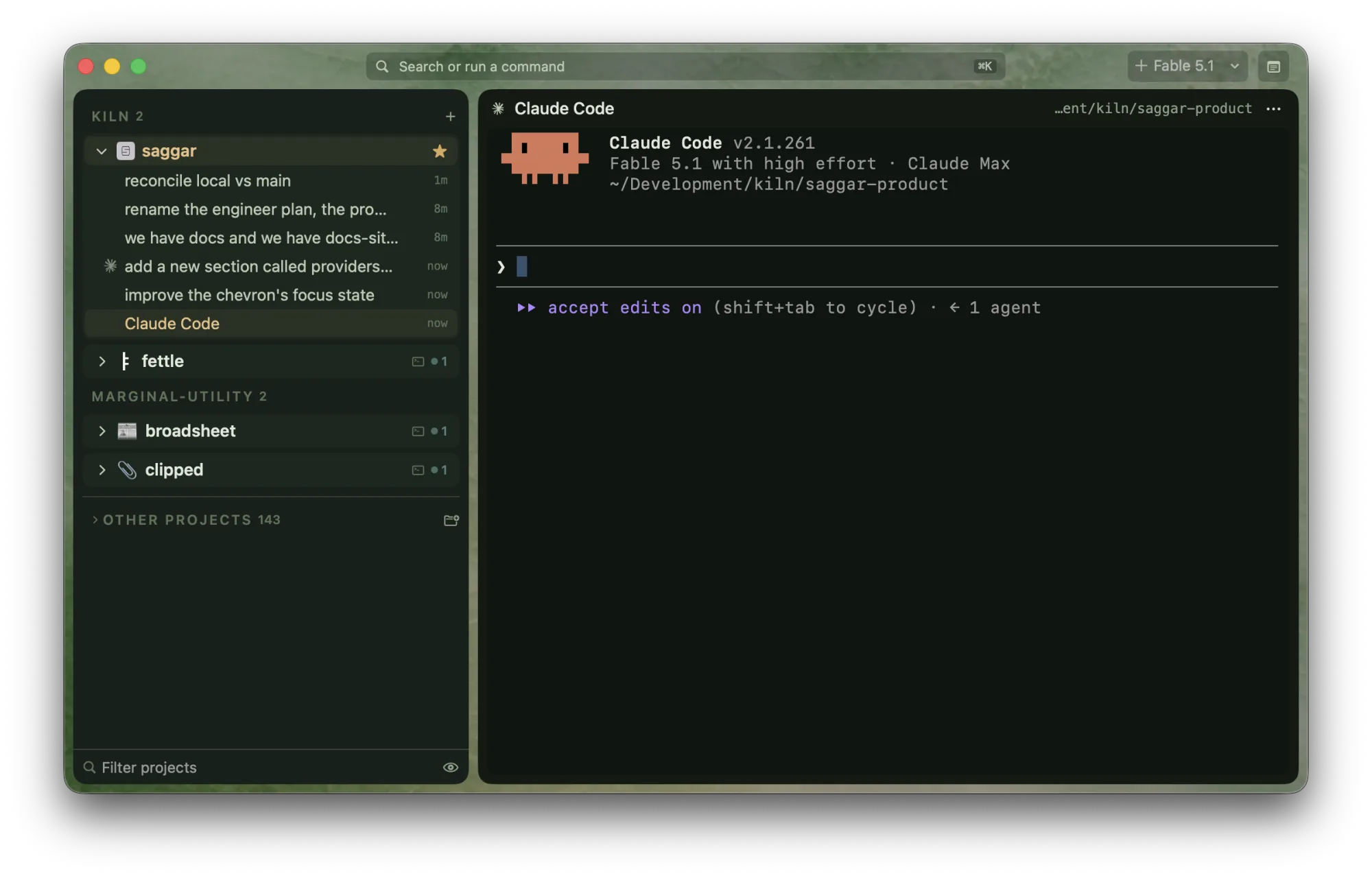
Claude Code is the provider Saggar integrates most deeply. Its hooks report every event Saggar knows how to read, and its info view is the fullest.
| Command | claude |
| Install | curl -fsSL https://claude.ai/install.sh | bash |
| Hook configuration | Saggar's local plugin, enabled in ~/.claude/settings.json |
| Skill location | ~/.claude/skills/saggar-cli/SKILL.md |
| Resume | claude --resume <id>, or claude --continue without an id |
Launching
The launch menu offers Fable 5.1 and Opus 5.5. Sonnet 5 and Haiku 4.5 sit under
More models on the provider card. Fable launches with the fable alias,
so an older Claude Code opens the newest Fable it knows. The row is hidden
only when claude auth status reports that you're signed out. Claude Code
decides whether your account can use Fable when the session starts.
Every Claude model takes the same reasoning effort ladder: low, medium, high,
xhigh, and max. Pick one for a session in the new-session sheet, or save it in
a preset, and Saggar passes it as --effort. Leaving it unset keeps the
model's own default. The provider card has no effort column for Claude, since
there is nothing per model to set.
Saggar chooses the conversation's id before the process starts and passes it
as --session-id, so restore never depends on a hook firing. When a session
starts from a prompt, Saggar names it from that prompt with --name, and the
name follows it into Claude's own UI. A first task is passed after --, and a
preset's custom context as --append-system-prompt.
Claude Code is the only provider Saggar can start in agent team mode, which
lets one lead spawn teammates in their own Saggar terminals. It is
experimental on both sides, so it sits behind saggar agent --team. See
Agents.
Comparing Claude models
These are the top Claude models and efforts on Model index, ranked by their mean quality, cost, and time ranks across published coding benchmarks. Rank 1 is best. Select a column heading to sort it.
For the effort Saggar picks for each model and why, see Picking a model and effort.
Hooks
Installing hooks writes Saggar's local Claude Code plugin and a status bridge
into your settings file. The plugin is registered from a marketplace Saggar
keeps under ~/.saggar/, so nothing is fetched from the network, and /plugin
lists it as saggar-hooks@saggar. It is separate from the public
saggar@saggar-skills plugin, which carries the saggar-cli skill and no hooks.
Removing the hooks removes only Saggar's entries.
With hooks installed Saggar:
- knows Claude is running by contract, not by reading the screen;
- hears permission prompts directly and records a privacy-reduced pattern of the Bash command that needed approval;
- hears MCP input requests as they open and follows auto-mode denials;
- names the session from its first prompt;
- records which files each prompt changed, for review;
- follows subagents, agent-team tasks, compaction, and model switches;
- shows failed tools on subagent cards;
- shows live model, effort, context, and cost in the info view without replacing a status line you already have;
- restores each session to its exact conversation.
Saggar refreshes its plugin each time it starts, so hook events your Claude
Code has grown since you installed are added without installing again. If a settings file
sets disableAllHooks, or a managed settings file allows only its own hooks,
the card names the file rather than pretending the hooks work.
Version floors
Claude Code added hook events over time. Saggar installs only the ones your version can run and says what an older build is missing.
| Capability | Needs |
|---|---|
| Name a session from its first prompt | 1.0.54 |
| Follow session starts | 1.0.62 |
| Notice a clean exit | 1.0.85 |
| Follow subagent starts | 2.0.43 |
| Hear permission prompts without reading the screen | 2.0.45 |
| Follow failed tools | 2.0.56 |
| Follow agent-team task completion and idle teammates | 2.1.33 |
| Confirm conversation compaction | 2.1.76 |
| Hear MCP input requests as they open | 2.1.76 |
| Follow failed turns | 2.1.78 |
| Follow agent-team task creation | 2.1.84 |
| Follow auto-mode denials | 2.1.89 |
| Follow model changes | 2.1.251 |
Exact resume by id predates Claude Code's published history, so it is never gated.
Prompts and automatic approval
Claude's permission and plan dialogs are recognized on screen as well as through the hook, so an unhooked session still turns Needs you when a dialog is waiting. Automatic approval answers the conservative "yes, this once", except for a read or edit dialog that offers "Yes, allow … during this session": it takes that choice, so a subagent reading file after file asks once per directory. Capability requests from Claude's own tools, such as a browser window, are recognized too.
With hooks, Saggar answers through Claude's PermissionRequest hook before
the dialog draws. The hook answers only the tools whose whole request is text
the deny-list can read: Bash, Edit, Write, and NotebookEdit. An MCP
tool, a fetch, a subagent spawn, or a plan approval stays with you, as does
anything asked in plan mode.
Intercept uses Claude's PreToolUse hook to check each Bash call before it
runs, including ones Claude would run without asking. A command matching
your safeguards is held for review, and the terminal shows Needs you.
The deny-list applies before any answer. See Agents for the full rule and what it refuses.
Resume
With a recorded id, restore runs claude --resume <id>. Without one it runs
claude --continue, which reopens the most recent conversation in that folder.
Further reading
Saggar runs Claude Code as it is. For how to get the most out of the agent itself, Anthropic's own guidance is the reference:
- Best practices for Claude Code
covers verification, planning,
CLAUDE.md, permissions, and running sessions in parallel. - Common workflows has step-by-step recipes for debugging, testing, and pull requests.
- Configure your terminal covers newlines, Option-key shortcuts, notifications, tmux, themes, and Vim mode. Set up your terminal for agents says which of those Saggar already handles.