Codex
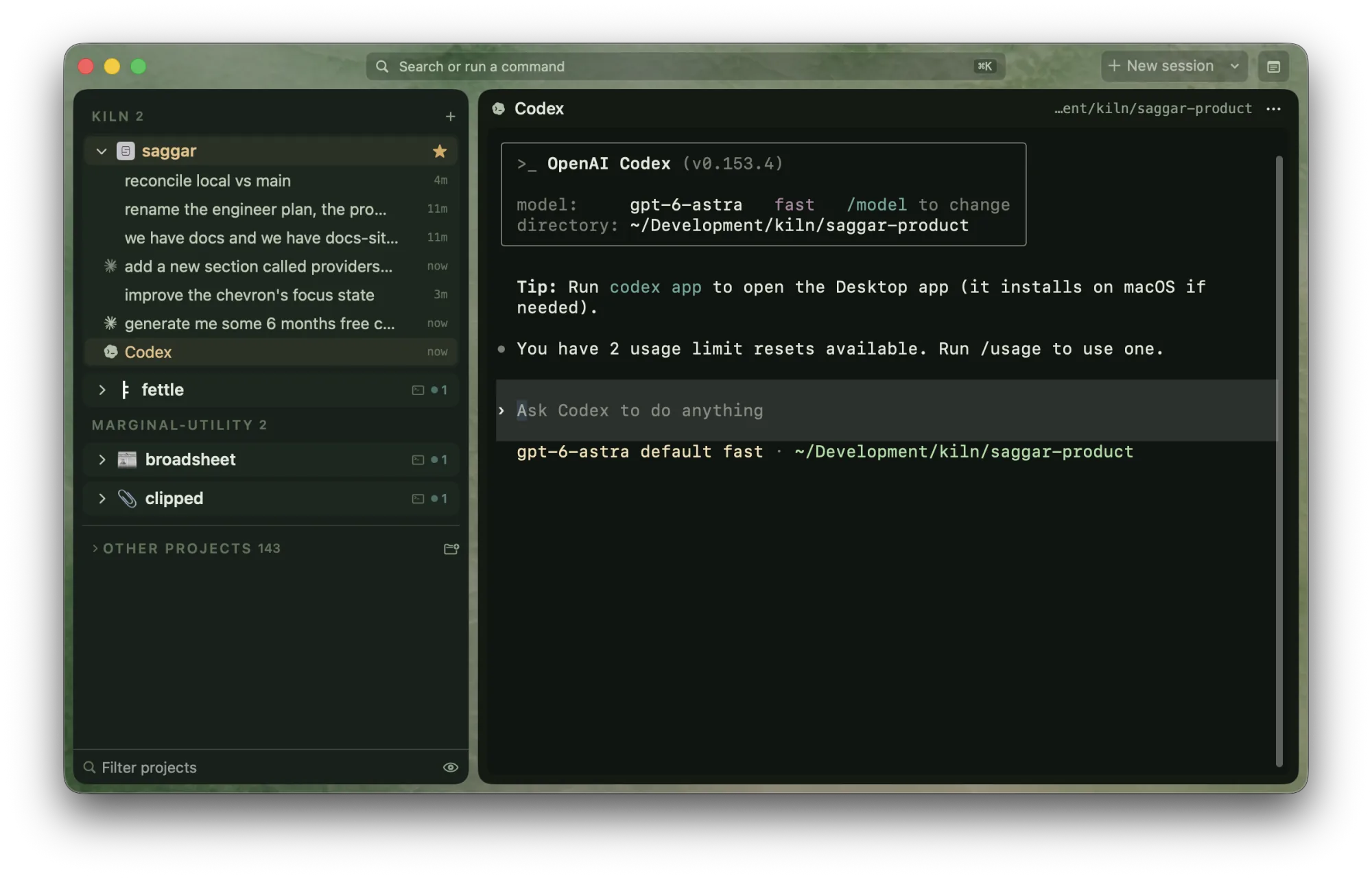
Codex matches Claude Code across the capability table. Two things set it apart: its hooks need review inside Codex, and its own model list outranks Saggar's.
| Command | codex |
| Install | brew install --cask codex |
| Hook configuration | ~/.codex/config.toml |
| Skill location | ~/.agents/skills/saggar-cli/SKILL.md |
| Resume | codex resume <id>, or codex resume --last without an id |
Launching
The launch menu offers GPT-6 Astra, GPT-6 Sol, GPT-6 Luna, GPT-5.6 Sol, and GPT-5.6 Terra. GPT-5.6 Luna, GPT-5.5, GPT-5.4-mini, and GPT-5.3-Codex-Spark sit under More models.
Codex keeps its own model list at models_cache.json under its home
directory: $CODEX_HOME when that variable is set in Saggar's environment,
otherwise ~/.codex. When Saggar can read a recent cache, those models
replace the shipped rows. This is a local snapshot, not a live
account-availability check. A missing, unreadable, empty, or more than
24-hour-old cache leaves the shipped rows alone. Codex decides which models
the signed-in account can use when a session starts.
The cache also names each model's reasoning efforts. Set a model's default in
the Default effort column on the provider card, or pick one for a single
session in the new-session sheet or a preset. Either way it is passed as
-c model_reasoning_effort=<effort>.
A first task is passed after --. A preset's custom context is passed as
-c developer_instructions=, so it is in force while the interactive prompt
stays untouched.
Comparing OpenAI models
These are the top OpenAI models and efforts on Model index, ranked by their mean quality, cost, and time ranks across published coding benchmarks. Rank 1 is best. Select a column heading to sort it.
For the effort Saggar picks for each model and why, see Picking a model and effort.
Hooks
Installing hooks adds lifecycle entries to the Codex configuration Saggar resolves.
It uses CODEX_HOME from its own environment when set, otherwise ~/.codex.
A value set only in a terminal shell may differ from the GUI app's environment;
check the path shown by saggar hooks before installing. Codex also
has a single legacy notify slot; Saggar claims it only when it is free and
leaves another app's notifier alone.
Codex asks you to approve new hooks before it runs them. After installing,
type /hooks in Codex and trust the saggar entries. Until then the
configuration can look installed without running. Saggar reports configuration
presence, not verified trust. Check each new or changed definition in /hooks;
managed policy can also prevent user hooks from running.
With hooks installed and trusted Saggar:
- pins the exact conversation id;
- names the session from its first prompt;
- reports completed turns and clean exits;
- hears permission prompts without reading the screen;
- follows live subagents;
- keeps yielded background shells visible as working monitor cards until they finish or newer activity supersedes their status claim;
- shows model, effective reasoning effort, speed, context, multi-agent mode, and plan usage in the info view when Codex reports them. The data comes from Codex's local session files, so it appears after the first response.
New-session advanced settings and presets can override fast mode and select a model's extended context window for that session.
Version floors
Codex's hook engine arrived whole and then grew an event at a time. Saggar installs only the hooks your version can run.
| Capability | Needs |
|---|---|
| Restore a session to its exact conversation | 0.36.0 |
| Follow turns by contract, record which files a prompt changed | 0.114.0 |
| Name a session from its first prompt | 0.117.0 |
| Hear permission prompts without reading the screen | 0.122.0 |
| Follow subagents | 0.144.0 |
| Notice a clean exit | 0.145.0 |
Below 0.36.0 there is no resume subcommand at all, so a restored session
starts a fresh conversation.
Prompts and automatic approval
With hooks, Saggar answers through Codex's own permission hook, before the prompt is drawn. An approval given there replaces your review, so the hook only answers the two requests it can read whole: a shell command and a file edit, and only after the deny-list has read every argument. Requests with other tool names, including MCP tools and permission grants, are left to Codex. A shell request may itself cross a filesystem or network boundary; Turbo can approve it when its text clears the deny-list. The hook does not reliably identify the reason for every escalation. Plan-mode requests remain with the user. The deny-list matches command text; it is not a sandbox.
Saggar's supervision setting only controls Saggar's automatic answers. It
does not change Codex's sandbox, approval policy, or Auto-review setting.
Use /permissions and /status in Codex to inspect its active configuration.
Intercept checks supported Bash calls through PreToolUse on Codex 0.153.0
or newer, with Saggar's hook installed, enabled, and trusted. Input sent later
to a running shell through write_stdin is not checked again. Managed policy
and unsupported tool paths can limit coverage. The same check runs on
GitHub Copilot CLI from 1.0.85 and on
Antigravity CLI.
The Saggar skill's local control channel also needs permission to write outside
the workspace. Access to that channel permits commands such as quick and
monitor to run in Saggar's unsandboxed terminals. Never use those commands to
bypass a refused Codex action, and do not grant broad spool access just to make
read-only queries work.
Resume
With a recorded id, restore runs codex resume <id>. Without one it runs
codex resume --last, which is scoped to the working directory. If two Codex
terminals in the same folder were restored without ids, "last" is ambiguous,
so Saggar leaves a notice in the terminal and lets you pick with
codex resume instead of guessing.
Working with a partner
Codex is the only provider that can join a session as a partner. Observe
with an agent… in a live agent session's menu, or saggar agent --observe
or --pair from a terminal, opens a second Codex session linked to the
first. An observer reads the lead's output and reports. A pairing partner can
send the lead concrete concerns with saggar message and takes over the
worktree once the lead runs saggar handoff. See
Agents for the rules.
Session details
Detailed usage still depends on Codex's legacy rollout JSONL format. Newer or paginated history may leave these fields unavailable. Missing details do not mean the agent has not started or that its permissions are safe.
Skill location
Codex moved its skills directory from ~/.codex/skills to ~/.agents/skills.
Saggar installs to the new path and clears its own copy from the old one. A
copy at the old path is not counted as installed, because Codex no longer
reads it.
Further reading
Saggar runs Codex as it is. For how to get the most out of the agent itself, OpenAI's own guidance is the reference:
- Best practices covers
prompting, planning,
AGENTS.md, configuration, MCP, and skills across the CLI, IDE extension, and desktop app. - Codex CLI is the CLI's own reference, including its commands and configuration.
- Notifications and CLI customization cover its bell, theme, and TUI options. Set up your terminal for agents says which of those Saggar already handles.